electron-menubar repository includes a selection of working examples in the examples folder. Each one is a small, runnable app you can use as a starting point.
Run an example
1
Clone the repository
2
Install and build from the root folder
3
Install and start the example
cd into the example directory, then install its dependencies and run it:Hello World
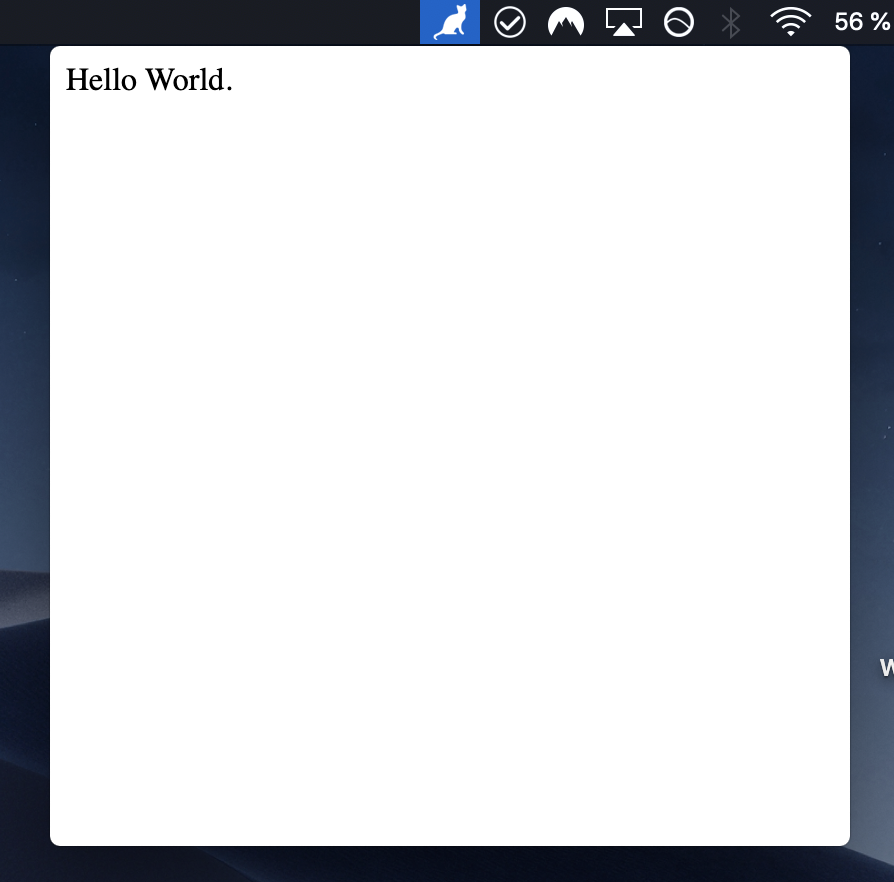
This is a simple Hello World menubar app that will just open a window that says “Hello World”.main.js
Arrow
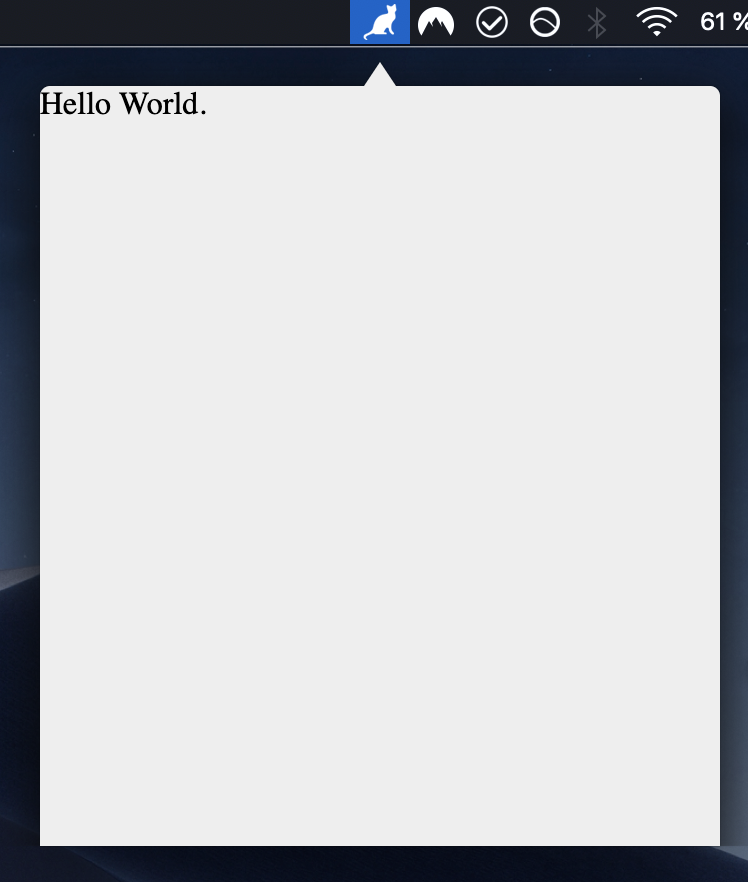
A menubar app with an arrow on top, that gives the app a popover look. Thanks @leilarrossi for this example.main.js
Icon animation
A menubar app that animates the tray icon by swapping images on an interval, useful for showing a “syncing” state while data is being fetched.main.js
Native menu
This will create a menubar app with a native menu. Courtesy of @tslater. See Context Menus for the code and platform behavior.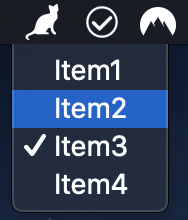
The example sources import the library with
require('../..') because they
run from inside the repository. In your own app, use
require('electron-menubar').