electron-menubar (formerly known as menubar) is a high level way to create menubar desktop applications with Electron. It handles the tray icon, popup window, positioning, and platform-specific focus behavior so your app has less to implement itself.
Features
- ⚡️ Quick start for creating menubar applications using Electron.
- 🚀 Zero runtime dependencies.
- 💻 Works on macOS, Windows and most Linux distributions. See tested platforms.
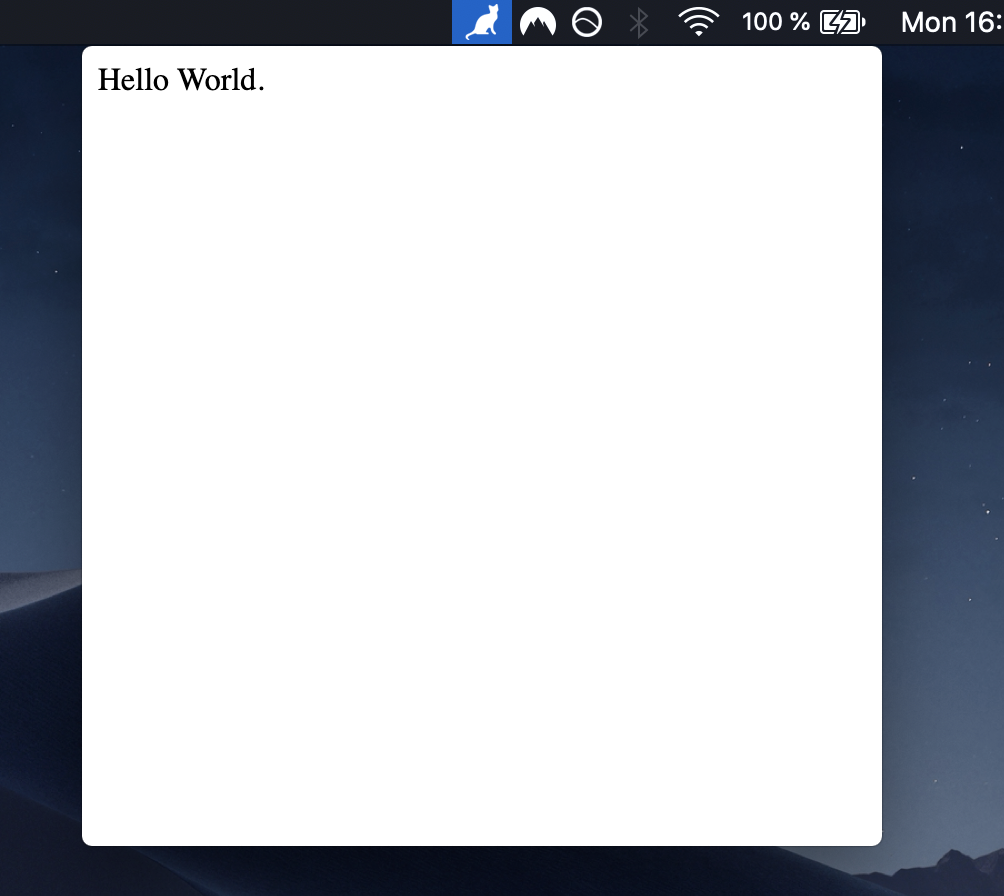
macOS
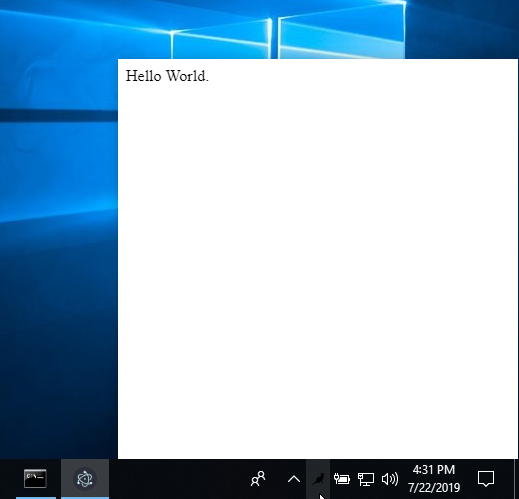
Windows 10
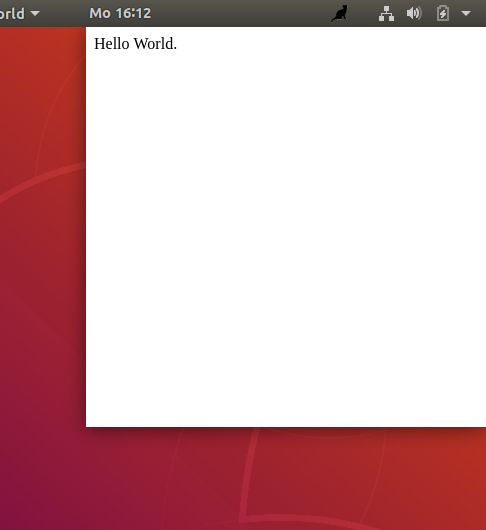
Ubuntu
On native Wayland, the desktop compositor controls window placement, so the
popover cannot be anchored to the tray icon and is positioned by the desktop
(usually centered). This is a Wayland limitation, not something the library
can override. Tray-relative positioning works under X11/XWayland. See window
positioning on Linux for the detail and
a workaround.
Quickstart
Install the package and run your first menubar app.
Options
Every option you can pass to
menubar().Popup Behavior
Control click-away dismissal and stacking.
Examples
Working example apps to start from.
Why electron-menubar?
electron-menubar builds on max-mapper/menubar, with fixes and controls developed for Gitify. The original provides the tray-app foundation. This fork brings more of the platform-specific behavior into the library so applications have less to implement themselves.
See the changelog for released changes and the API documentation for all options.